Matplotlib Module
The matplotlib module provides utilities for matplotlib visualization, including accessible color palettes and predefined styles.
Classes
Color
Styles
Overview
The matplotlib module offers:
- Accessible color palettes: WCAG-compliant colors designed for clarity and accessibility
- Predefined styles: Matplotlib style configurations for consistent, professional visualizations
- Colormaps: Convenience methods to create continuous color mappings
Color Reference
The Color enum provides a curated collection of colors inspired by accessible color cycling research.
Main Colors
- BLUE (
#5790fc): Primary blue - ORANGE (
#f89c20): Primary orange - RED (
#e42536): Primary red - PURPLE (
#964a8b): Primary purple - GRAY (
#9c9ca1): Primary gray - VIOLET (
#7a21dd): Primary violet - GREEN (
#14802d): Primary green - WHITE (
#ffffff): White
Additional Colors
- MOSS (
#b9ac70): Moss green - BRONZE (
#a96b59): Bronze - METAL (
#717581): Metallic gray - EGG_BLUE (
#92dadd): Egg blue
Accent Colors
Dark and light variants for emphasis:
- DARK_GRAY, LIGHT_GRAY
- DARK_BLUE, LIGHT_BLUE
- DARK_ORANGE, LIGHT_ORANGE
- DARK_RED, LIGHT_RED
- SOFT_BLACK (
#333333)
Examples
Using Colors in Plots
from iragca.matplotlib import Color
import matplotlib.pyplot as plt

# Access individual colors
fig, ax = plt.subplots()
ax.plot([1, 2, 3], [1, 4, 9], color=Color.BLUE.value, linewidth=2)
ax.scatter([1, 2, 3], [1, 4, 9], color=Color.ORANGE.value, s=100)
plt.show()
Getting Color Lists
from iragca.matplotlib import Color

# Get main colors for a color cycle
main_colors = Color.get_main_colors()
# Returns: ['#5790fc', '#f89c20', '#e42536', '#964a8b', '#9c9ca1', '#7a21dd']

# Get accent colors
accent_colors = Color.get_accent_colors()

# Get all available colors
all_colors = Color.get_all_colors()
Using Colormaps
from iragca.matplotlib import Color
import matplotlib.pyplot as plt
import numpy as np

# Create a Blue-White-Orange colormap
cmap = Color.BlWhOr()
data = np.random.rand(10, 10)

plt.imshow(data, cmap=cmap)
plt.colorbar()
plt.show()
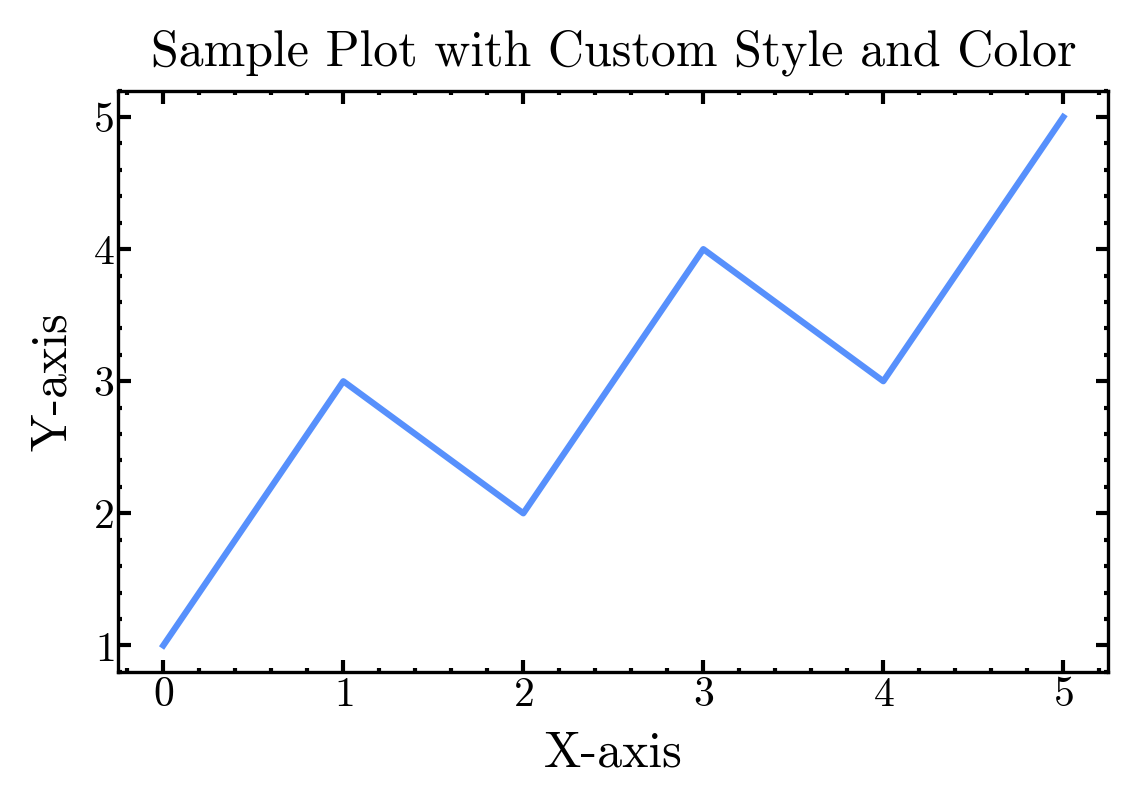
Applying Styles
from iragca.matplotlib import Styles
import matplotlib.pyplot as plt

# Apply a predefined style
Styles.apply_style("cmr10")

# Now create plots with the applied style
fig, ax = plt.subplots()
ax.plot([1, 2, 3], [1, 4, 9])
plt.show()
Design Philosophy
The colors in this module are based on research from the Accessible Color Cycles project, ensuring that visualizations are readable for people with color vision deficiency.